Hong Kong eSIM Guide for Remote Workers and Business Travellers
You land at Hong Kong International Airport after a long flight. Your phone buzzes to life with a text from your carrier: “Welcome to Hong Kong. International rates apply.” You know what that means. Slow data, surprise charges, and a hit to your productivity before you even reach the hotel.
For remote workers and business travellers, staying connected in Hong Kong is non-negotiable. You need fast, reliable internet for video calls, file uploads, and client communication. A physical SIM card is a hassle. You have to find a store, deal with language barriers, and swap out your primary SIM. That is where an eSIM comes in. It is a digital SIM that lets you connect to a local network without touching a physical card. But you need to set it up correctly. This guide walks you through every step, from checking your phone to preparing for the unexpected.
A Hong Kong eSIM can provide a separate travel data line while your home number remains available. Before departure, confirm that your phone is unlocked and eSIM-compatible, compare the allowance and validity with your work needs, install over reliable Wi-Fi, and disable data roaming on the home line. Keep the order email and provider support details available offline.
Check Your Phone Before You Pack
Not every phone works with an eSIM. You need a device that is both unlocked and eSIM-compatible. Here is how to check both.
Is your phone unlocked?
A locked phone is tied to one carrier and may reject a travel eSIM. Check the device-lock status in your phone settings when that information is available, or ask the carrier that supplied the phone. Do not assume that seeing an APN or cellular menu proves the device is unlocked.
Is your phone eSIM-compatible?
Open the cellular or SIM settings and look for an option such as “Add eSIM” or “Download a SIM.” Then confirm the exact model and regional variant against the device manufacturer’s documentation. Phones with the same marketing name can have different eSIM support in different markets.
Expert advice: Do not wait until you land to check compatibility. Do it at home while you have Wi-Fi. If your phone is locked or incompatible, you have time to find an alternative solution, like a pocket Wi-Fi device.
Install Your eSIM Before You Fly
Once you know your phone is ready, compare Hong Kong travel eSIM plans by allowance, validity, activation timing, hotspot terms, and support. If Hong Kong is one stop on a wider route, international eSIM plans provide country, regional, and global options to compare. Confirm every required destination in the live coverage list before buying.
Here is a numbered list to guide you through the installation process.
- Purchase your eSIM online. Choose a plan that gives you enough data for your workday. If you do heavy video conferencing, look for a plan with a larger data allowance.
- Scan the QR code. Your provider will send you a QR code via email. Open your phone settings, go to the eSIM menu, and select “Add eSIM.” Scan the QR code with your phone camera.
- Label the profile. Your phone will ask you to name the eSIM profile. Call it “Hong Kong” or “Business Travel.” This helps you identify it later.
- Set the eSIM as your primary data line. In your cellular settings, select the new eSIM as your default for mobile data. This ensures you use local data instead of your home carrier.
- Review the activation instructions. Some plans begin validity on installation, while others begin when they first register at the destination. Do not activate early unless the provider specifically tells you to do so.
Choose the Right Data Line for Work
Your eSIM plan will offer different data options. For business travellers, the right choice depends on how you work.
- Light users: You check email, send messages, and use maps. A plan with a smaller data allowance works fine.
- Moderate users: You join video calls, upload documents, and browse the web. You need a plan with a medium data allowance.
- Heavy users: You stream presentations, download large files, and use cloud-based software all day. You need a plan with a high data allowance.
Start with an honest estimate of maps, messages, cloud work, calls, and hotspot use. Tourist eSIM options can help frame the basic choice, while international eSIM comparisons are useful when the route or work pattern is more complex. Check whether top-ups are offered rather than assuming they will be available.
Keep Your Home Number Active
Many business tools use two-factor authentication (2FA). Your bank, email, and project management software might send a code to your home phone number. If you swap your physical SIM for an eSIM, you lose access to that number.
The solution is simple. Do not remove your physical SIM. Install the eSIM as a secondary line on your phone. Your phone can hold multiple eSIM profiles. Keep your home SIM active for calls and texts, and use the eSIM for mobile data. This way, you can receive 2FA codes on your home number while browsing the web on your eSIM.
| Technique | What to do | Common Mistake |
|---|---|---|
| Dual SIM setup | Keep your home SIM in slot 1. Install eSIM as slot 2. Set eSIM as default for data. | Removing your home SIM entirely. |
| 2FA access | Use your home SIM for SMS codes. Use eSIM for internet. | Relying on Wi-Fi for 2FA codes. |
| Number retention | Your home number stays active for calls and texts. | Forgetting to turn off “roaming” on your home line. |
Prevent Accidental Roaming
Your phone can keep both lines enabled while using only the travel eSIM for data. In the SIM settings, select the eSIM as the cellular-data line and turn off cellular-data switching. Disable data roaming on the home line. Follow the eSIM provider’s instructions for the travel line, because some travel eSIMs require data roaming to be enabled.
Leave network selection on automatic unless the provider’s troubleshooting instructions name a network to select manually. On arrival, confirm the active data line before opening maps, email, or work apps. Receiving calls or SMS on the home line may still incur charges under your home carrier’s terms, so check those terms before departure.
Prepare Offline Backups
Technology fails. Your phone battery dies. You lose your internet connection. Always prepare for the worst.
- Keep the order email available offline. Store the provider’s installation and support details securely. Do not share the QR code, and do not assume it can be reused after installation.
- Record non-sensitive support details. Save the plan name, order reference, and support channel. Never store or send passwords, full card details, or a public copy of the QR code.
- Download offline maps. Google Maps lets you save a map area for offline use. Do this before you leave the hotel.
- Save key documents. Download your passport, visa, and hotel booking confirmation to your phone. You can access them without internet.
These small steps save you from a stressful situation. If your eSIM stops working, you have a backup plan.
Stay Connected at Your Workspace
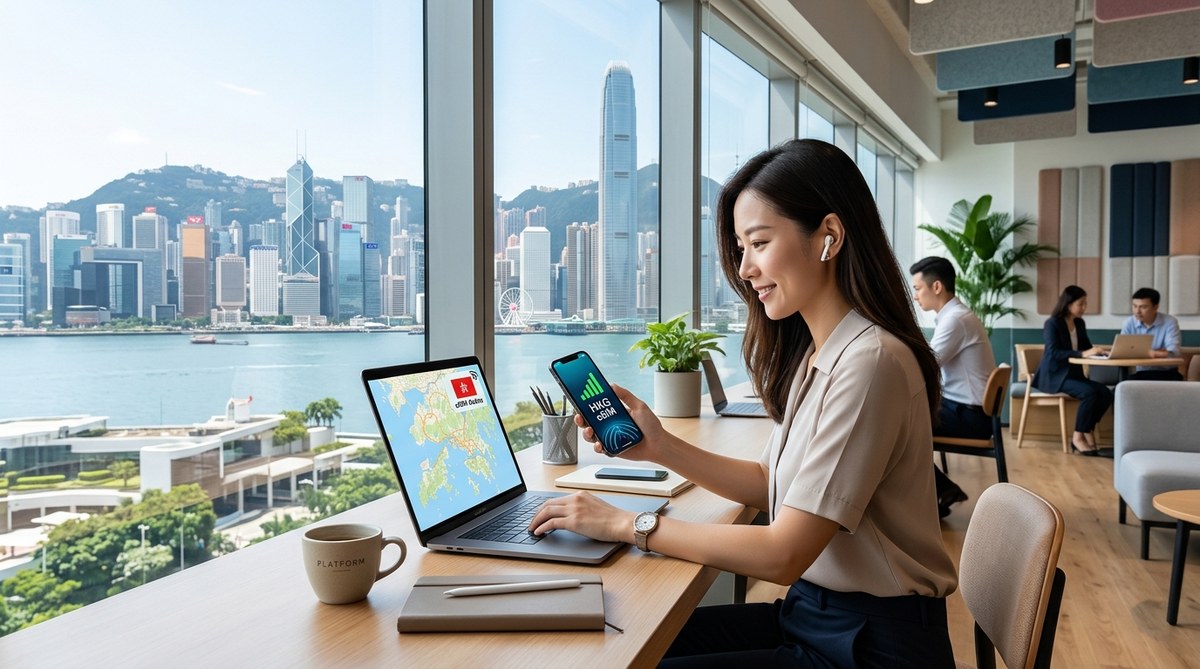
Hong Kong has a vibrant coworking scene. You might work from a shared office in Central or a quiet space in Wan Chai. A working travel data line gives you a backup when venue Wi-Fi is unavailable, although it does not guarantee reception inside every building. If you are new to coworking, check out this guide on how to evaluate a coworking space before you sign the contract. It helps you pick a space that fits your workflow.
Your eSIM also works well for networking. You can hop between coffee shops, meeting rooms, and event spaces without losing connection. For more ideas on building your routine, read about how to build a productive routine that works in any coworking space.
Your Connectivity Plan for Hong Kong
A successful business trip to Hong Kong starts with a solid connectivity plan. Check your phone. Install your eSIM. Keep your home number active. Prevent roaming. Prepare offline backups. These steps take less than an hour but save you days of frustration.
You have a busy schedule ahead. Client meetings, project deadlines, and networking events. The last thing you need is a connectivity headache. Set up your eSIM now, and you can focus on what matters: your work. Safe travels, and stay connected.