How Remote Workers Get More From YouTube Without Watching It All
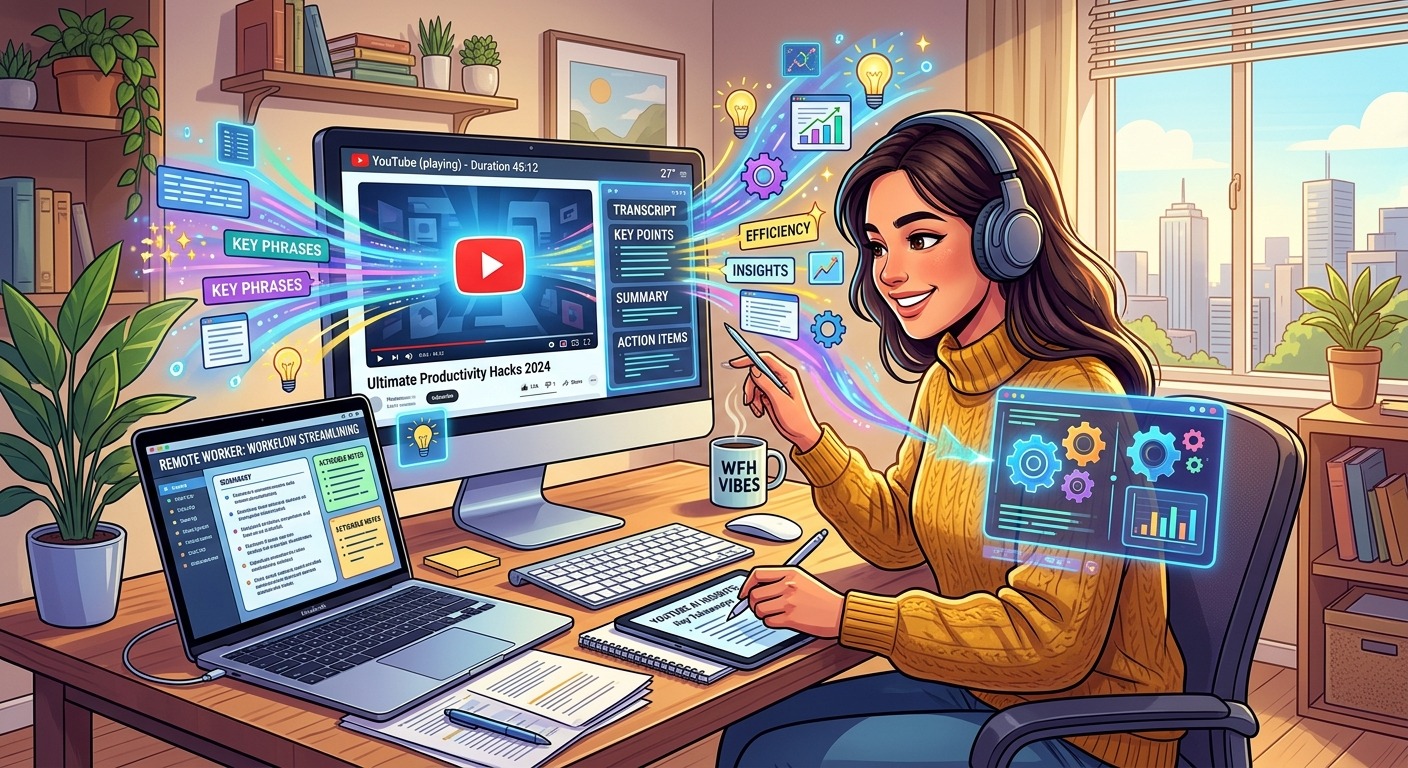
A 47-minute conference keynote just landed in your Slack. Your team lead says it is worth watching. You have 12 minutes before your next call. Every remote worker knows this situation, and most handle it the same way: skip it and feel guilty later, or start watching and bail out at minute eight. Neither option actually helps.
Fast Forward: What This Covers
- How to skim and extract specific moments from long YouTube videos without watching them linearly.
- Why converting video to text is the fastest route to the one insight you actually need.
- How distributed teams can build video-based onboarding without forcing a synchronized watch session.
Why Video Keeps Costing Remote Teams Time
YouTube has genuinely useful content. Tutorials, conference talks, product walkthroughs, industry panels. The signal-to-noise ratio is high if you know where to look. The problem is that most of the useful material is buried inside long videos, and video is the least scannable format that exists.
Text is searchable. You can jump to page three of a report in two seconds. Podcasts are slightly more forgiving because you can speed up the audio. But video asks you to sit and wait, minute by minute, for the part you actually care about.
For remote workers, the cost compounds. You are already managing asynchronous communication, time zones, and context switching. Adding “watch a 40-minute video” to the list rarely happens. When it does happen, it comes at the expense of deep work time.
The habit shift is not about avoiding YouTube. It is about treating video the same way you treat a long article: get in, find the relevant section, get out.
Skimming Videos the Way You Skim Long Reads
The fastest way to evaluate whether a video is worth your time is to read its structure before you press play. A few specific habits make this practical:
- Check chapter markers. Most high-quality YouTube videos include timestamps in the description or embedded chapter cards. Click directly to the section you need and skip everything else. One click beats ten minutes of scrubbing.
- Read the top comments first. On informational videos, the top comments regularly surface the best moments, specific timestamps, or memorable quotes. That is crowd-sourced skimming, and it costs you about 30 seconds.
- Use the thumbnail preview. Hovering over the timeline bar shows a preview of that moment in the video. Drag slowly across the bar and you get a rough visual sense of the content without pressing play at all.
- Set playback speed to 1.5x or 2x. For content that does not require pausing and rewinding, higher speed cuts the time commitment without losing comprehension on most speech-rate material.
None of these replace attentive watching for content that genuinely needs it. But most professional information on YouTube does not need that. You need one fact, one framework, one quote, and then you move on.
Converting Video to Searchable Text
The fastest way to extract a single point from a long video is to stop treating it as a video entirely. Convert it to text and search for what you need.
Paste any YouTube URL into a YT transcript tool and you get the full spoken content as readable text. No playback required. You can search for keywords, copy a quote directly, or skim the structure in about 30 seconds. What would take 40 minutes to watch can be read in under ten.
This approach pays off most in a few specific scenarios:
- Fact-checking a recommendation. A colleague shares a video saying the speaker has a useful take on async feedback. You want to verify whether the actual quote matches the claim. Pull the transcript and search “feedback” instead of watching the full talk.
- Writing an async update. You watched a conference session and want to summarize the key point for a colleague in a different time zone. The transcript gives you exact phrasing without relying on memory or rough notes.
- Vetting a tutorial before sharing it. Read the transcript first to confirm the video covers the specific steps you want before recommending it to a client or a new hire.
- Quoting a speaker accurately in a document. Copy the exact text from the transcript instead of rewinding and pausing three times trying to catch the wording.
Research from Pew Research Center shows that a significant share of YouTube users visit the platform specifically to learn something new. For anyone relying on video as a learning resource, having that content in text form makes it portable, searchable, and shareable in a way a raw video link never quite achieves.
Pulling Quotes for Async Team Updates
One of the most practical uses for distributed teams is turning video content into source material for written updates.
Your team lead watches an industry talk and wants to share a takeaway in the weekly async newsletter. Instead of writing “I saw something interesting in this video, here is the link,” they can pull the transcript, find the precise two sentences worth sharing, and write a real update with a direct quote and a timestamp link back to that exact moment.
This changes the quality of the information being shared. A paraphrase loses nuance. A quote does not. And because the quote comes with a timestamp, anyone who wants more context can jump directly to that moment rather than watching from the start.
For team leads, this habit also builds credibility. Sharing a video recommendation with a specific quote and timestamp signals that you have actually engaged with the content and identified what is relevant to your team. That is a different message than a bare link dropped in chat at 11pm.
Using Video in Onboarding Without the Watch Party
Onboarding is where video creates the most friction for distributed teams. The instinct is to say “watch this playlist” and then schedule a call to discuss. This creates two problems: the new hire often watches passively without retaining much, and the discussion call requires coordinating across time zones that may be eight hours apart.
A better structure uses video alongside text summaries and specific viewing prompts.
Instead of linking to a 30-minute product walkthrough and saying “watch this,” link to the video, pull the transcript, and include a short written summary covering the three things the new hire needs to understand. The video becomes supplemental context, not the primary delivery mechanism.
You can also assign specific timestamps rather than full videos. “Watch minutes 14 to 22 of this talk, then read the linked article” is a more respectful ask than “watch this 45-minute talk.” It also signals that you know what is relevant, which gives the new hire confidence that the onboarding process was designed with intention, not assembled from someone’s old bookmarks folder.
What Good Video Habits Actually Look Like on a Team
Teams that handle video well tend to do a few things consistently. They treat YouTube links the way they treat article links: useful when the content is genuinely relevant, not a default communication format. They add context when sharing, instead of dropping a URL into a channel and hoping for the best. And they extract from video rather than consuming it passively.
A YouTube link shared with no annotation puts the work of interpretation on the reader. A YouTube link shared with a quote, a timestamp, and a one-sentence rationale does the work upfront and makes the whole exchange more efficient for everyone involved. The habit costs almost nothing extra, and it compounds across every video your team shares.
There is also a trust dimension here. When someone on a distributed team consistently shares video content with clear context and specific callouts, they become a better signal in the noise. People learn that their links are worth clicking. That reputation takes about two weeks of consistent behavior to build and a long time to lose.
Turning YouTube Into a Reference Tool, Not a Time Sink
YouTube has excellent content on almost every professional topic. Conference talks, deep dives, product tutorials, founder interviews. The catalog is enormous and largely free. The issue has never been the content. It has been the format.
Treating video as raw material rather than finished content changes how you interact with it. You are no longer a passive viewer. You are someone extracting specific value from a source, the same way you would scan a white paper or search a documentation page.
Pull transcripts. Use timestamps. Write your own summaries before sharing. Give new hires specific chapters rather than full playlists. These are not complicated habits. Each takes about the same effort as sharing a bare link. But they compound into a genuinely more efficient team information culture over time.
The 47-minute keynote your team lead shared? You now have options. Pull the transcript, search for the framework they mentioned in Slack, read those two paragraphs, and post a one-sentence take in the thread. Done in four minutes, and you actually contributed something useful to the conversation.
That is the whole point. YouTube is not the problem. Treating it like television is the problem. Treat it like a database instead, and it becomes one of the most useful free resources a remote worker has access to.