7 Coworking Space Amenities Every Growing Startup Actually Needs
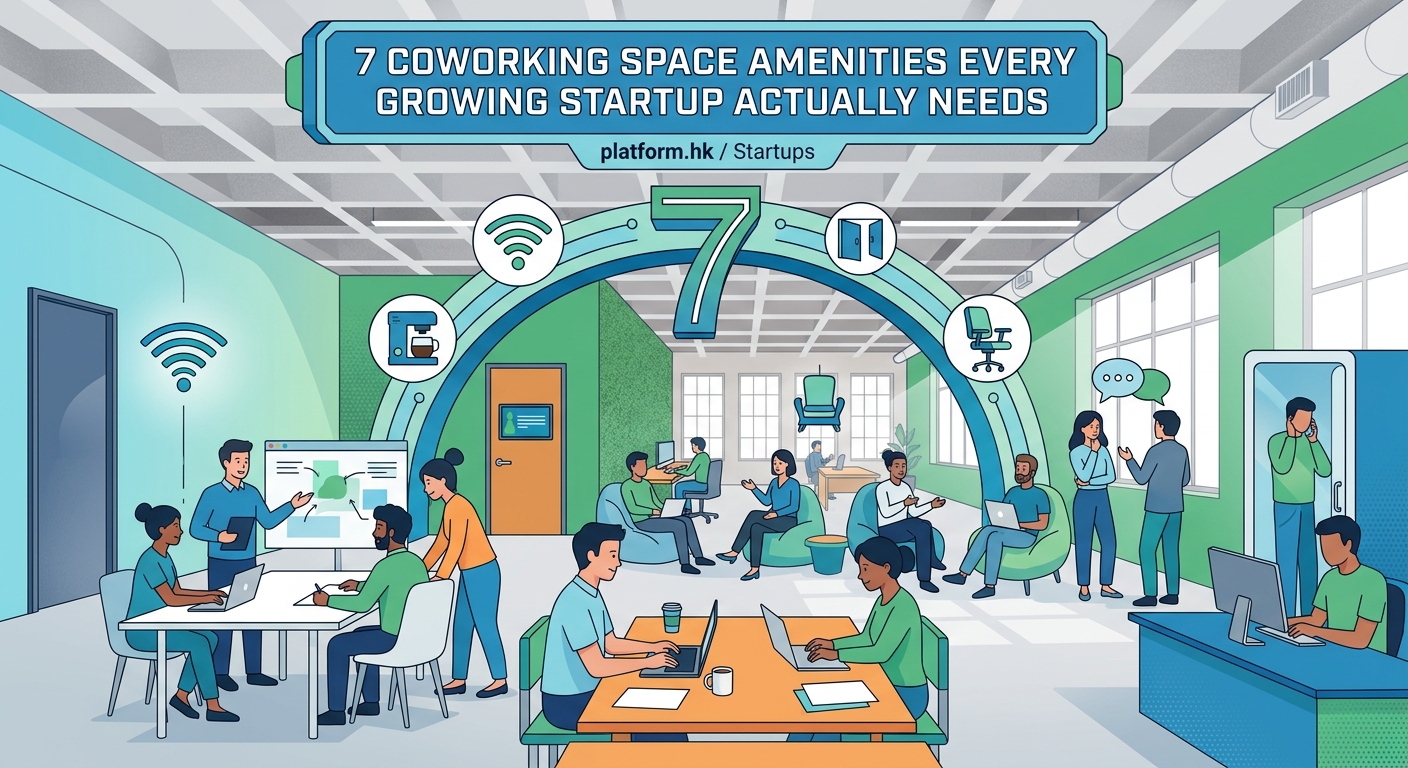
Finding the right workspace can make or break your startup’s first year. You need a place that supports real work, not just Instagram-worthy aesthetics. The amenities your coworking space offers directly impact how your team collaborates, how you present to clients, and whether you can actually afford to scale.
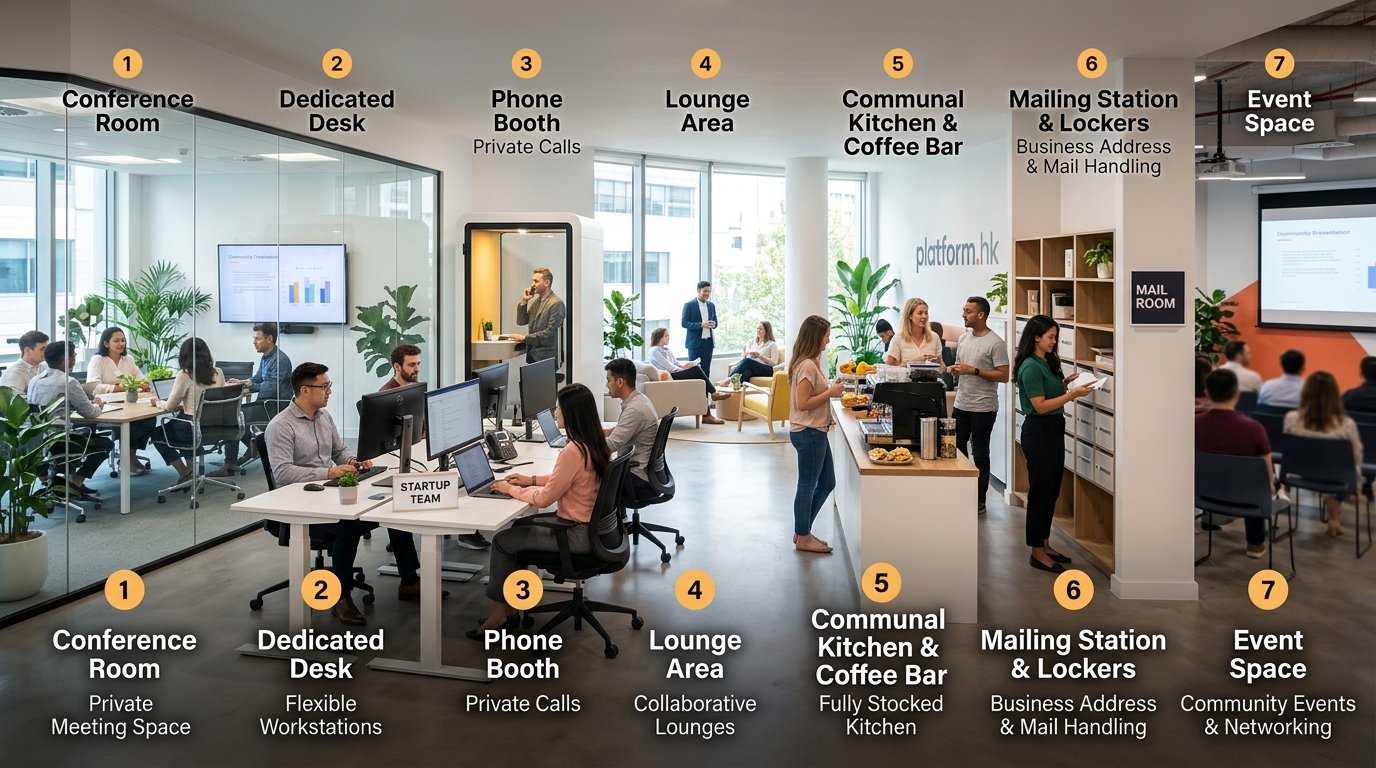
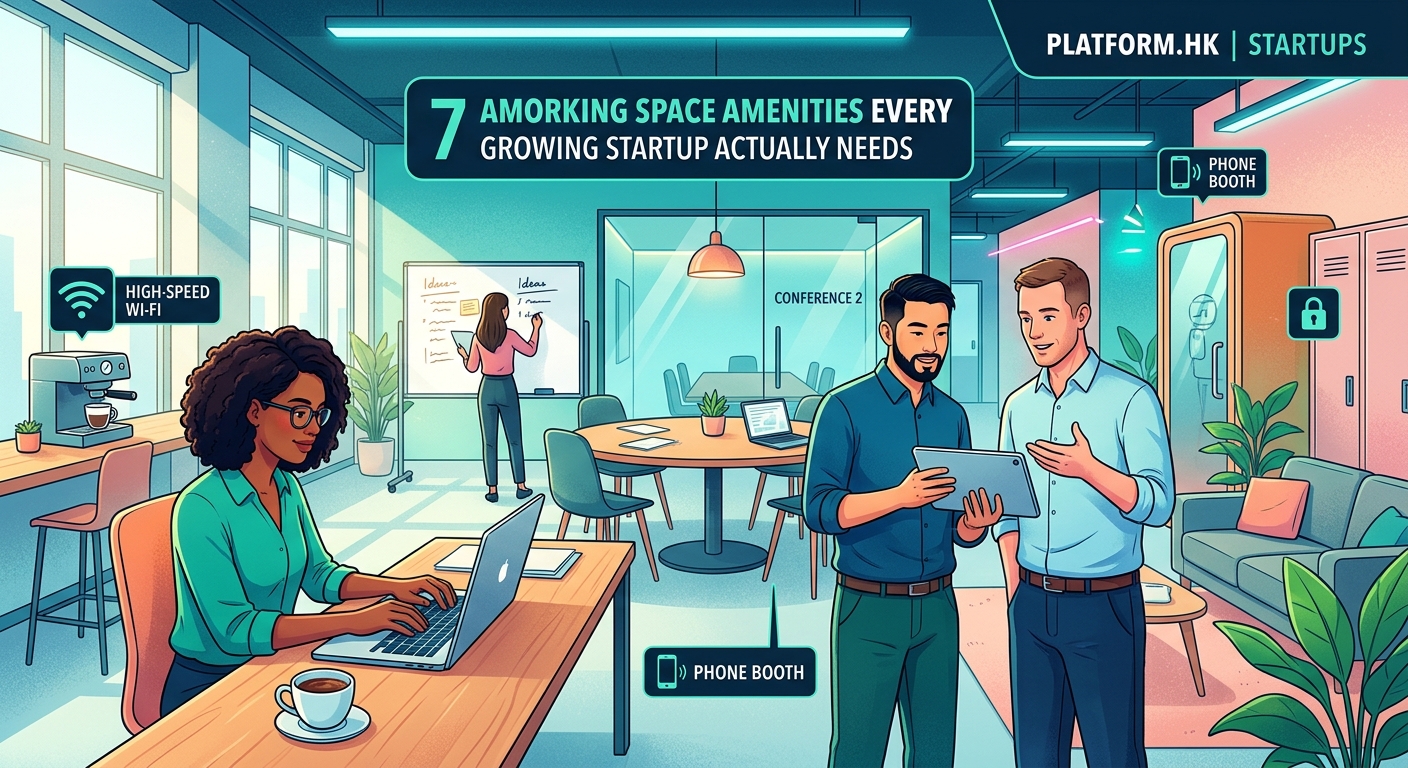
The best coworking space amenities for startups include reliable high-speed internet, flexible meeting rooms, private phone booths, professional mailing addresses, kitchen facilities, secure storage, and 24/7 access. These features directly support productivity, client presentations, and team growth without forcing you into expensive long-term leases. Focus on what enables actual work, not flashy perks that look good but rarely get used.
High-Speed Internet That Actually Works
Your entire business runs on connectivity. Video calls with investors, cloud-based tools, file uploads, customer demos. All of it stops when the internet crawls.
Look for spaces that offer dedicated fiber connections with at least 100 Mbps download speeds. Ask about bandwidth per member, not just the total pipe. A 1 Gbps connection split among 200 people still leaves you buffering during that critical pitch call.
Test the WiFi before you commit. Bring your laptop during peak hours, usually 10 AM to 3 PM. Run a speed test in different areas. Check if the signal reaches the phone booths and meeting rooms. Dead zones kill productivity.
Some spaces offer separate networks for guests and members. This protects your connection when the space hosts events or when dozens of visitors show up for workshops.
Red flags to watch for:
– Shared residential-grade internet
– No backup connection for outages
– Constant complaints in member reviews about connectivity
– Spaces that avoid discussing their internet infrastructure
Meeting Rooms You Can Actually Book
Client meetings happen. Investor pitches come up. Team strategy sessions need privacy. You need meeting rooms that exist and that you can reserve without a two-week waiting period.
Calculate how many meeting rooms the space offers per 50 members. One room for every 25 to 30 members is reasonable. Anything less means you’ll struggle to book time when you need it.
Check the booking system. Can you reserve rooms from your phone? How far in advance? What’s the cancellation policy? Some spaces charge for no-shows, which makes sense but should be clear upfront.
Room sizes matter too. A four-person room works for internal check-ins. An eight to ten-person room handles client presentations. Anything larger becomes useful for workshops or team offsites.
“We toured five coworking spaces before finding one where we could consistently book a meeting room within 24 hours. That availability saved us from taking client calls in coffee shops, which immediately elevated how professional we appeared.” – Sarah Chen, SaaS Founder
Look for rooms with:
– Whiteboards or digital displays
– HDMI cables and wireless presentation options
– Good acoustics so people outside can’t hear your confidential discussions
– Climate control separate from the main space
– Natural light when possible
Private Phone Booths for Focused Calls
Open floor plans sound collaborative until you need to take a sensitive call with a potential hire, negotiate with a vendor, or talk through a customer complaint.
Phone booths give you privacy without booking an entire meeting room. They’re small, usually fitting one person, with a door that closes and decent soundproofing.
Count the booths relative to desk spaces. One booth per 15 to 20 desks keeps wait times reasonable. Fewer than that and you’ll find yourself taking calls in stairwells.
Test the ventilation. Cheap phone booths turn into saunas after five minutes. You shouldn’t need to choose between privacy and breathing.
Check if booths have:
– Power outlets and USB ports
– Small shelves for laptops or notebooks
– Lighting that doesn’t create screen glare
– Ventilation fans that aren’t louder than your conversation
Professional Mailing Address and Mail Handling
Your startup needs a business address that isn’t your apartment. It looks more legitimate on your website, in contracts, and when registering your business.
Most coworking spaces offer a mailing address as part of membership. They’ll receive packages, hold mail, and notify you when something arrives. This beats missing deliveries or having important documents sit in your building lobby.
Ask about the address format. Some spaces use suite numbers that clearly indicate a coworking space. Others offer addresses that look like standard office buildings. Neither is wrong, but know what you’re getting.
Mail handling policies vary:
– How long they hold packages before charging storage fees
– Whether they sign for certified mail on your behalf
– If they forward mail when you’re traveling
– How they handle oversized deliveries
Some spaces charge extra for mail services beyond basic receiving. Factor that into your monthly cost comparison.
Kitchen and Break Areas That Support Real Breaks
Your team needs to eat. They need coffee. They need somewhere to decompress between calls that isn’t their desk.
Good kitchen facilities include:
– Commercial-grade coffee machines, not just a basic drip brewer
– Refrigerators with enough space for multiple teams
– Microwaves and dishwashers
– Filtered water
– Basic dishes, utensils, and cleaning supplies
The best spaces keep kitchens stocked with basics like coffee, tea, and sometimes snacks. This seems small but adds up. Spending $5 per person daily on coffee runs costs your five-person team $5,000 annually.
Break areas should be separate from work zones. Sitting at your desk while eating lunch isn’t a break. Look for comfortable seating, natural light, and maybe a few games or books.
Some spaces go overboard with beer taps and ping pong tables. These look fun but ask yourself: will your team actually use them, or are they just marketing props?
Secure Storage for Equipment and Documents
Startups accumulate stuff. Extra monitors, prototypes, marketing materials, client files that can’t live entirely in the cloud. You need somewhere to lock this up.
Personal lockers work for laptops and small items. Check the size before assuming your backpack will fit. Some lockers barely hold a laptop sleeve.
Larger storage options matter if you have inventory, samples, or equipment. Ask about:
– Dedicated storage closets or cages
– Monthly costs for different storage sizes
– Access hours and procedures
– Insurance coverage for stored items
Security matters here. Is storage in a locked room? Are there cameras? Who has access? Your prototype or client data shouldn’t be accessible to everyone in the building.
Flexible Access Hours for Different Work Styles
Not everyone works 9 to 5. Your developer might code best at 11 PM. Your designer might need to prep for an 8 AM client call. Your team might need to meet on Saturday before a Monday launch.
24/7 access gives you flexibility to work when it makes sense, not when the building manager decides. This becomes critical during product launches, fundraising sprints, or when working with international clients across time zones.
Ask about access policies:
– Do all membership tiers include 24/7 access, or just premium plans?
– Is the building secured after hours with key cards or codes?
– Are meeting rooms and amenities available at all hours?
– Does the space have security or is it unstaffed overnight?
Weekend access matters too. Some spaces close on weekends or limit which areas you can use. Know this before you sign.
Comparing Amenity Packages Across Membership Tiers
Different membership levels offer different amenities. Understanding what you get at each tier helps you avoid overpaying or choosing a plan that doesn’t support your needs.
| Membership Tier | Typical Cost | Common Inclusions | Common Exclusions |
|---|---|---|---|
| Hot Desk | $200-400/month | Shared workspace, WiFi, kitchen, common areas | Dedicated desk, storage, meeting room credits |
| Dedicated Desk | $400-600/month | All hot desk perks plus assigned desk, some storage | Private office, unlimited meeting rooms |
| Private Office | $600-1500/month | All dedicated perks plus enclosed space, more storage, meeting credits | 24/7 access (sometimes), premium rooms |
| Custom/Enterprise | Varies | Fully customized based on team size and needs | Nothing, but you pay premium prices |
Most spaces bundle meeting room hours with higher tiers. A dedicated desk might include 5 hours monthly. A private office might include 20 hours. Calculate whether buying a cheaper tier plus extra meeting hours costs less than upgrading.
Common Amenity Mistakes Startups Make
Choosing a coworking space based on the wrong amenities wastes money and hurts productivity. Here are the traps to avoid:
Prioritizing style over function. That Instagram-worthy neon sign doesn’t help you close deals. Neither do the vintage arcade games if you need meeting rooms and they’re always booked.
Ignoring location-specific needs. If you’re in a city where everyone bikes, you need bike storage. If you’re somewhere hot, you need reliable AC. If you host client meetings, you need easy parking or transit access.
Underestimating storage needs. You think you’ll stay digital until you receive samples, accumulate swag for events, or need to store presentation materials. Plan for more storage than you think you need.
Overlooking community fit. Some spaces cater to tech startups. Others focus on creatives or consultants. The wrong community means fewer relevant connections and collaboration opportunities.
Assuming all amenities are included. Read the fine print. Some spaces charge extra for printing, premium coffee, locker rentals, or exceeding meeting room allocations. These add-ons can increase your monthly cost by 20 to 30 percent.
Evaluating Amenities During Your Tour
Touring a space in person reveals what the website doesn’t. Here’s your checklist:
- Visit during your typical work hours to see real activity levels and test the noise environment.
- Ask current members about their experience, not just the tour guide’s sales pitch.
- Test the WiFi speed in multiple locations using your phone or laptop.
- Check bathroom cleanliness and supply levels, which indicates overall facility maintenance.
- Observe the kitchen during lunch to see if it’s actually usable or overcrowded.
- Try to book a meeting room on the spot to see real availability.
- Ask about the average tenure of current members, which signals satisfaction levels.
Take notes immediately after each tour. Spaces blur together after visiting three or four in one day.
Request a trial day if possible. Many spaces offer day passes or week-long trials. This lets you experience the amenities under real working conditions before committing to a long-term contract.
Negotiating Better Amenity Access
Everything is negotiable, especially if you’re bringing multiple team members or committing to longer terms.
Ask about:
– Waived setup fees
– Extra meeting room hours included in your package
– Discounted rates for annual commitments
– Free months when paying quarterly or annually
– Upgraded storage at no additional cost
– Guest passes for clients or potential hires
Spaces want to fill desks. If you’re joining during a slower period or taking multiple offices, you have leverage. The worst they can say is no.
Some spaces offer startup programs with reduced rates for early-stage companies. These often require proof of funding or participation in an accelerator program. Ask if they have any special programs even if they’re not advertised.
Making Amenities Work for Remote-First Teams
If your team works remotely most of the time but needs occasional in-person space, your amenity priorities shift.
Focus on:
– Day pass options or part-time memberships instead of full-time desks
– Meeting rooms you can book without a full membership
– Video conferencing equipment in meeting rooms for hybrid meetings
– Easy booking systems that work for occasional users
– No long-term commitments
Some spaces offer virtual office packages. You get the mailing address and occasional meeting room access without paying for desk space you won’t use. This works well for remote teams that need a professional presence in a specific city.
What Growing Teams Actually Need
Your amenity needs change as you scale. A solo founder needs different features than a ten-person team.
Solo founders (1-2 people):
– Reliable internet and a comfortable desk
– Phone booth access
– Occasional meeting room for client calls
– Professional mailing address
– Coffee and basic kitchen
Small teams (3-7 people):
– Clustered desks so the team can sit together
– Regular meeting room access for team syncs
– Adequate storage for shared equipment
– Kitchen space for team lunches
– Some private office space if handling sensitive work
Growing teams (8-15 people):
– Private office space with room to expand
– Dedicated meeting rooms or significant included hours
– Substantial storage
– Possibly multiple offices as you add departments
– Flexibility to add desks without renegotiating entire contracts
Plan for growth when choosing a space. Can you easily add desks? Can you upgrade from hot desks to a private office without moving buildings? Switching spaces mid-year disrupts your team and wastes time.
Finding Your Right Fit
The perfect coworking space matches your actual work patterns, not an idealized version of startup life. You don’t need a climbing wall if your team never climbs. You do need meeting rooms if you pitch clients weekly.
Start by listing your non-negotiables. What amenities would cause real problems if missing? Then list your nice-to-haves. What would make work better but isn’t critical?
Compare spaces based on your specific list, not their marketing materials. The space with the most amenities isn’t always the best. The space with the right amenities for your needs is.
Visit multiple options, test the key features, talk to current members, and trust your gut. You’ll spend significant time in this space. It should feel like somewhere you can actually get work done, build your company, and grow your team without constantly fighting your environment.