Why Your Workspace Layout Is Killing Your Productivity (And How to Fix It)
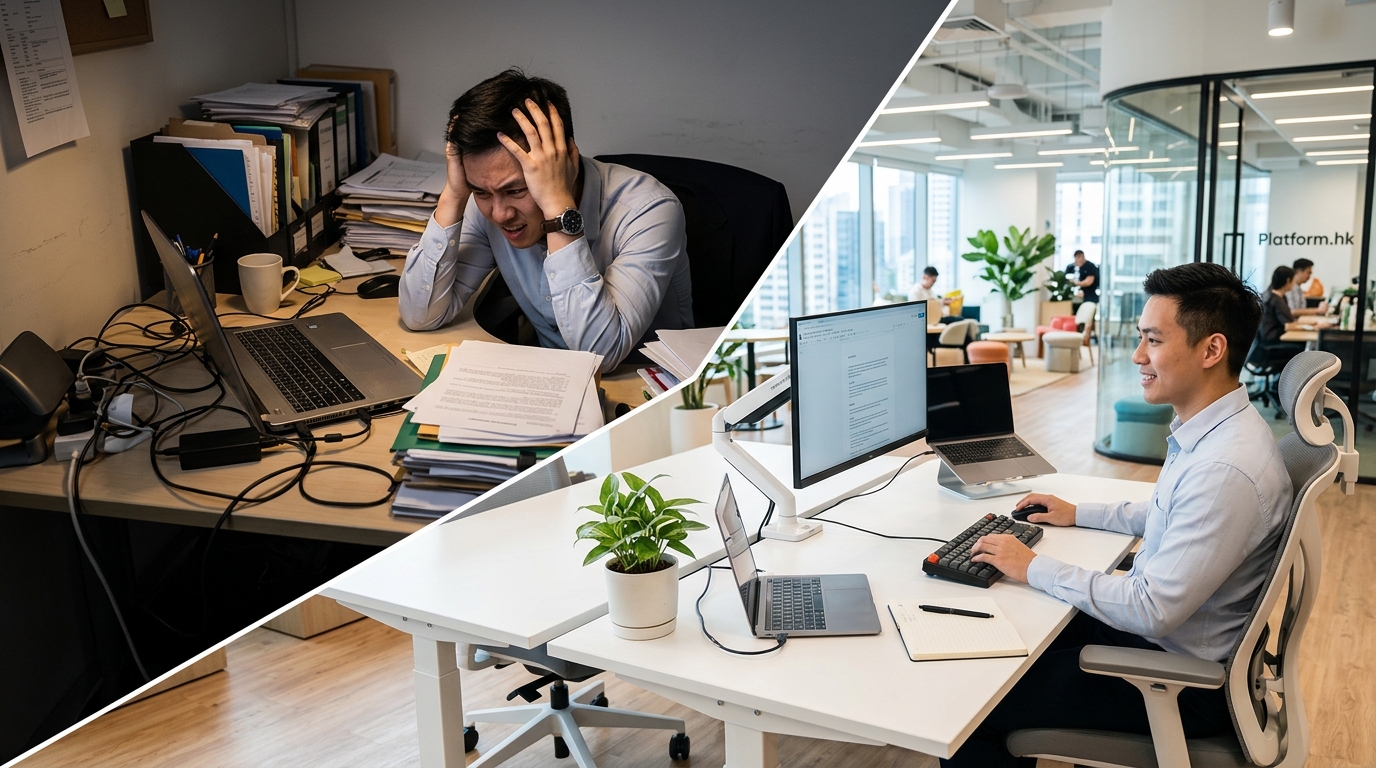
You sit down at your desk, coffee in hand, ready to tackle the day. Two hours later, you’ve accomplished almost nothing. Your neck hurts. You’ve been interrupted five times. Your screen glares at you like an interrogation lamp.
The problem isn’t your work ethic. It’s your workspace.
Poor workspace layout drains focus, increases stress, and tanks output. Small changes like adjusting desk position, controlling noise, improving lighting, and organizing tools can dramatically boost workspace layout productivity. Most fixes cost little but deliver measurable results in concentration, comfort, and daily work quality.
Why Your Current Setup Is Working Against You
Most people blame distractions or lack of discipline for productivity problems. But research shows that physical environment accounts for up to 40% of workplace performance variance.
Your brain processes thousands of environmental cues every minute. Bad lighting triggers eye strain. Noise fragments attention. Poor ergonomics creates physical discomfort that pulls focus away from tasks.
These aren’t minor annoyances. They’re productivity killers that compound throughout the day.
The good news? You can fix most of them without a complete office overhaul.
The Five Layout Mistakes That Destroy Focus
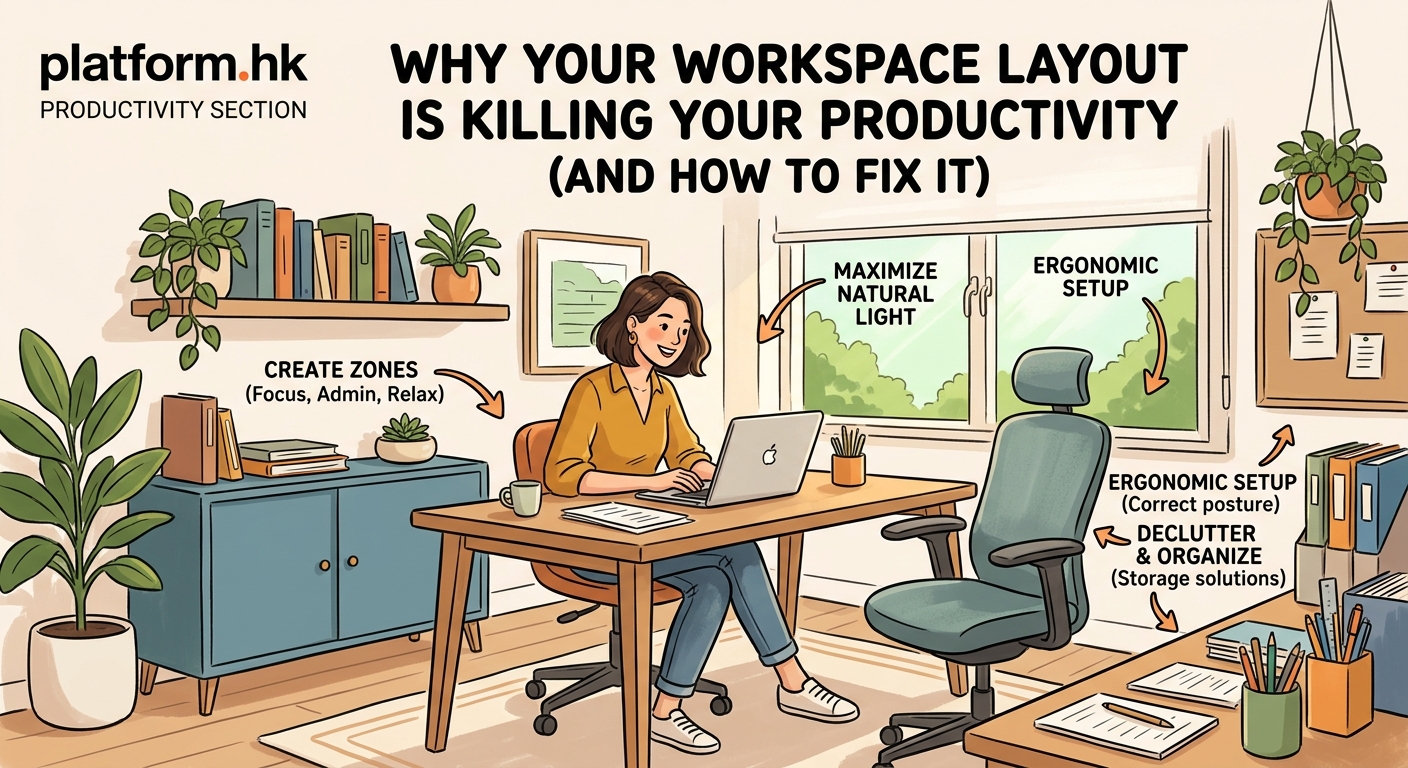
Understanding what’s broken helps you fix it faster. Here are the most common workspace layout problems and why they matter.
Facing the Wrong Direction
Desk orientation affects everything. Face a wall and you feel boxed in. Face a busy hallway and every passerby breaks your concentration.
People who position desks perpendicular to high traffic areas report 23% fewer interruptions than those facing directly into walkways.
Your peripheral vision constantly scans for movement. When you face activity, your brain treats every motion as a potential threat or social signal. That’s exhausting.
Lighting That Fights You
Overhead fluorescents create harsh shadows and flicker at frequencies your conscious mind doesn’t notice but your nervous system does.
Natural light improves mood and alertness. Workers near windows sleep an average of 46 minutes more per night than those in windowless spaces.
But direct sunlight on screens creates glare. The sweet spot? Position your desk perpendicular to windows, not facing them.
Noise Without Control
Open offices promised collaboration but delivered distraction. Studies show that office workers lose an average of 86 minutes daily to noise interruptions.
The worst culprit isn’t loud noise. It’s intermittent, unpredictable sound. Your brain can adapt to consistent background hum but struggles with sudden conversations or phone rings.
Zero Separation Between Task Types
Using the same spot for focused work, video calls, and casual browsing trains your brain that this space means everything and nothing.
Athletes use location cues to trigger performance states. Your workspace should do the same.
Clutter as Default State
Visual chaos creates mental chaos. A Princeton study found that physical clutter competes for attention, reducing performance and increasing stress.
Every item in your visual field uses a tiny slice of cognitive bandwidth. Multiply that by dozens of objects and you’re working with a significant handicap.
How to Fix Your Layout for Maximum Output
These changes work whether you’re in a home office, corporate cubicle, or coworking space.
1. Position Your Desk Strategically
Start with orientation. Place your desk so you face away from high traffic areas but can see the door with a slight head turn. This reduces interruptions while maintaining awareness.
If you work from home, avoid positioning your desk in the bedroom if possible. Your brain should associate that room with rest, not deadlines.
For video calls, position your camera so the background shows a clean wall or bookshelf, not a messy room or bright window.
2. Create a Lighting System That Works
Layer your lighting instead of relying on one source.
- Use a desk lamp with adjustable brightness for task lighting
- Position it opposite your dominant hand to avoid shadows
- Add a floor lamp behind you to reduce screen contrast
- Keep overhead lights dimmer than you think you need
Color temperature matters too. Cool white light (5000K-6500K) increases alertness. Warm light (2700K-3000K) reduces eye strain during long sessions.
3. Control Sound Strategically
You can’t always control your environment, but you can control your response to it.
Physical barriers help. Even a small partition or tall plant between you and noise sources reduces distraction.
For focus work, use noise canceling headphones or play brown noise (deeper than white noise, less harsh). For collaborative work, position yourself near team members.
If you manage a team, create quiet zones and conversation zones. Don’t let them bleed together.
4. Design Zones for Different Work Modes
Even in a small space, you can create psychological separation.
Use your desk for deep work only. Take calls standing or in a different chair. Review documents on a couch or at a café table if you have one.
These location shifts signal mode changes to your brain. The transition becomes a productivity trigger.
5. Organize Tools by Frequency
Everything you use daily should be within arm’s reach. Everything you use weekly should be within rolling chair reach. Everything else should be out of sight.
This isn’t about being neat. It’s about reducing decision fatigue and search time.
Create a simple system:
- Clear your desk completely
- Add back only items used in the last three days
- Store everything else in drawers or shelves
- Repeat monthly
The Workspace Layout Productivity Comparison
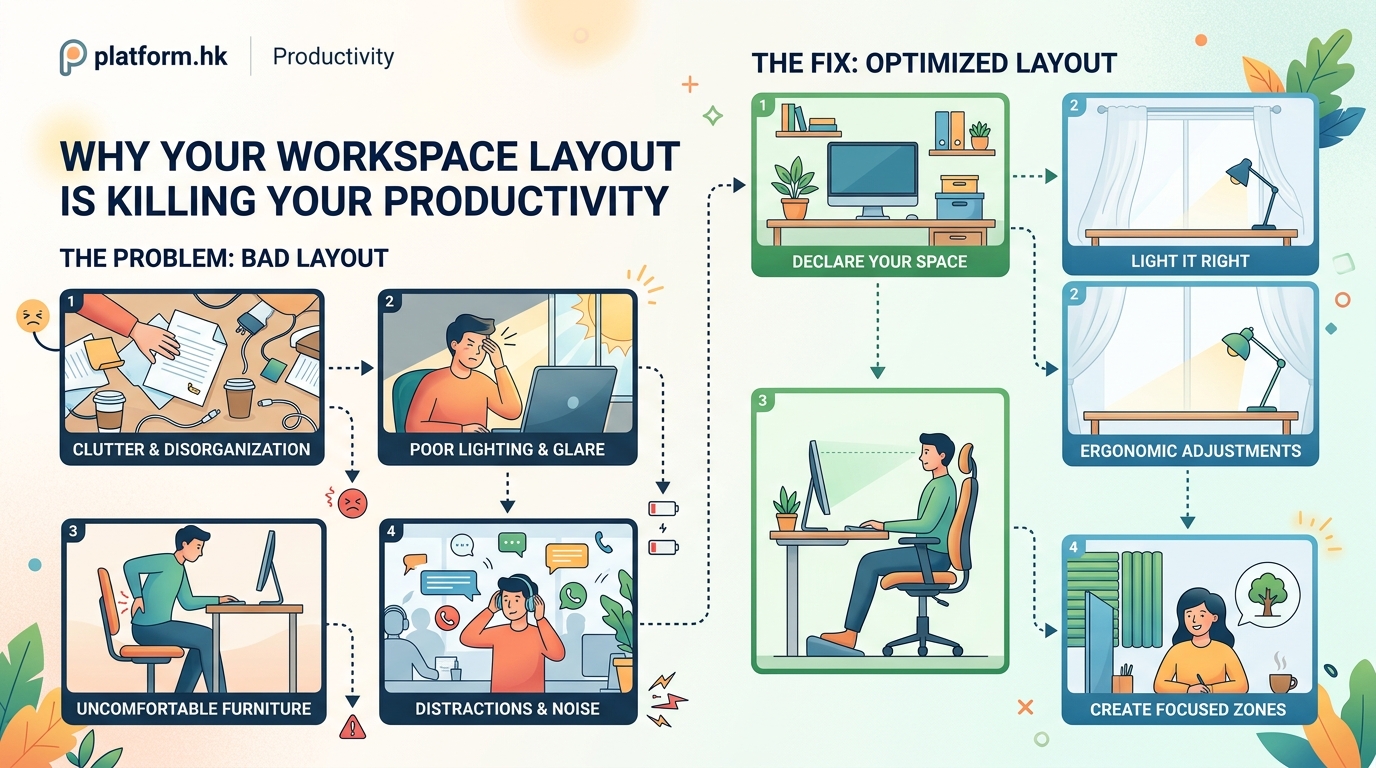
Different setups serve different needs. Here’s how common layouts stack up.
| Layout Type | Best For | Productivity Impact | Common Problems |
|---|---|---|---|
| Private office | Deep focus, confidential work | High for individual tasks | Can feel isolating, expensive |
| Open desk | Collaboration, team coordination | Medium, varies by noise level | Frequent interruptions, acoustic issues |
| Cubicle | Balance of privacy and access | Medium to high with modifications | Feels outdated, limited natural light |
| Hot desking | Flexibility, cost savings | Low to medium without personalization | No ownership, setup time daily |
| Home office | Autonomy, comfort | High with proper boundaries | Blurred work-life lines, isolation |
The right choice depends on your work type, not trends. A developer needs different conditions than a sales manager.
Small Changes That Deliver Big Results
You don’t need a complete renovation. These tweaks take under an hour but create lasting improvement.
Adjust your monitor height. The top of your screen should sit at or slightly below eye level. This reduces neck strain and maintains focus.
Add a footrest. Feet should rest flat, either on the floor or a raised surface. Dangling feet create lower back pressure.
Use a document holder. If you reference papers while typing, mount them at screen height instead of laying them flat. This prevents constant head bobbing.
Install a cable management system. Tangled cords create visual noise and make cleaning harder. Spend 20 minutes organizing cables and you’ll thank yourself daily.
Bring in one plant. Real plants improve air quality and reduce stress. Even a small succulent makes a difference.
What Remote Workers Get Wrong
Working from home offers flexibility but creates unique layout challenges.
Many remote workers never create a dedicated workspace. They rotate between the couch, kitchen table, and bed. This trains the brain that work happens everywhere, making it harder to focus anywhere.
Others go too far in the opposite direction, turning their home office into a corporate replica. That’s equally problematic. Your home workspace should feel comfortable, not sterile.
The solution? Create a space that’s clearly for work but reflects your personality. Use a comfortable chair, but not your living room recliner. Add personal items, but not so many that they distract.
Set physical boundaries too. Use a room divider, bookshelf, or even a specific rug to define your work zone. When you step into that space, you’re at work. When you leave it, you’re home.
The Manager’s Role in Layout Productivity
If you lead a team, workspace design is part of your job.
Start by asking what people actually need. Developers might want quiet isolation. Designers might need collaboration space. Sales teams might need phone booths.
One size fits nobody.
Give people control where possible. Let them adjust desk height, lighting, and positioning. Autonomy over environment increases both satisfaction and output.
Budget matters, but creativity matters more. You can’t afford private offices? Create quiet hours when interruptions are minimized. Can’t soundproof? Provide noise canceling headphones. Can’t renovate? Rearrange what you have.
“The best office layout is the one that matches how your team actually works, not how you wish they worked. Observe behavior, then design around it.” — Workspace design consultant
Measuring What Actually Improves
Track results so you know what’s working.
Before making changes, note your baseline. How many focused hours do you get daily? How often do interruptions break concentration? How do you feel at day’s end?
Make one change at a time. Adjust your desk position and use that setup for a week. Then modify lighting and test again. This isolates what helps.
Simple metrics work best:
- Tasks completed per day
- Hours of uninterrupted work
- End of day energy level (1-10 scale)
- Physical discomfort (neck, back, eyes)
Don’t expect instant transformation. Good workspace layout productivity builds over weeks as your brain adapts to the improved environment.
When to Invest vs When to Improvise
Some upgrades deliver immediate return. Others waste money on marginal gains.
Worth the investment:
– Ergonomic chair (you sit 6-8 hours daily)
– Adjustable desk or converter (movement matters)
– Quality lighting (eye strain is real)
– Noise control (headphones or panels)
Probably not worth it:
– Expensive standing desk if you won’t use it
– Elaborate monitor arms for single screen setups
– Designer furniture that looks good but functions poorly
– Gadgets that solve problems you don’t have
Start with free changes. Rearrange what you have. Test different positions. Add a box under your monitor for height.
Then invest in tools that address remaining pain points.
Your Space Should Serve Your Work
Workspace layout productivity isn’t about following rules. It’s about creating conditions where you do your best work.
That looks different for everyone. Some people thrive in bustling coffee shops. Others need library silence. Some want minimalist desks. Others need organized chaos.
The framework matters more than the specifics. Control what you can. Eliminate friction. Match your environment to your tasks.
Start with one change today. Move your desk. Adjust your lighting. Clear your visual field. Notice what improves.
Your workspace should support you, not fight you. Make it earn its space.