15 Remote Work Tools That Actually Save Time in 2026
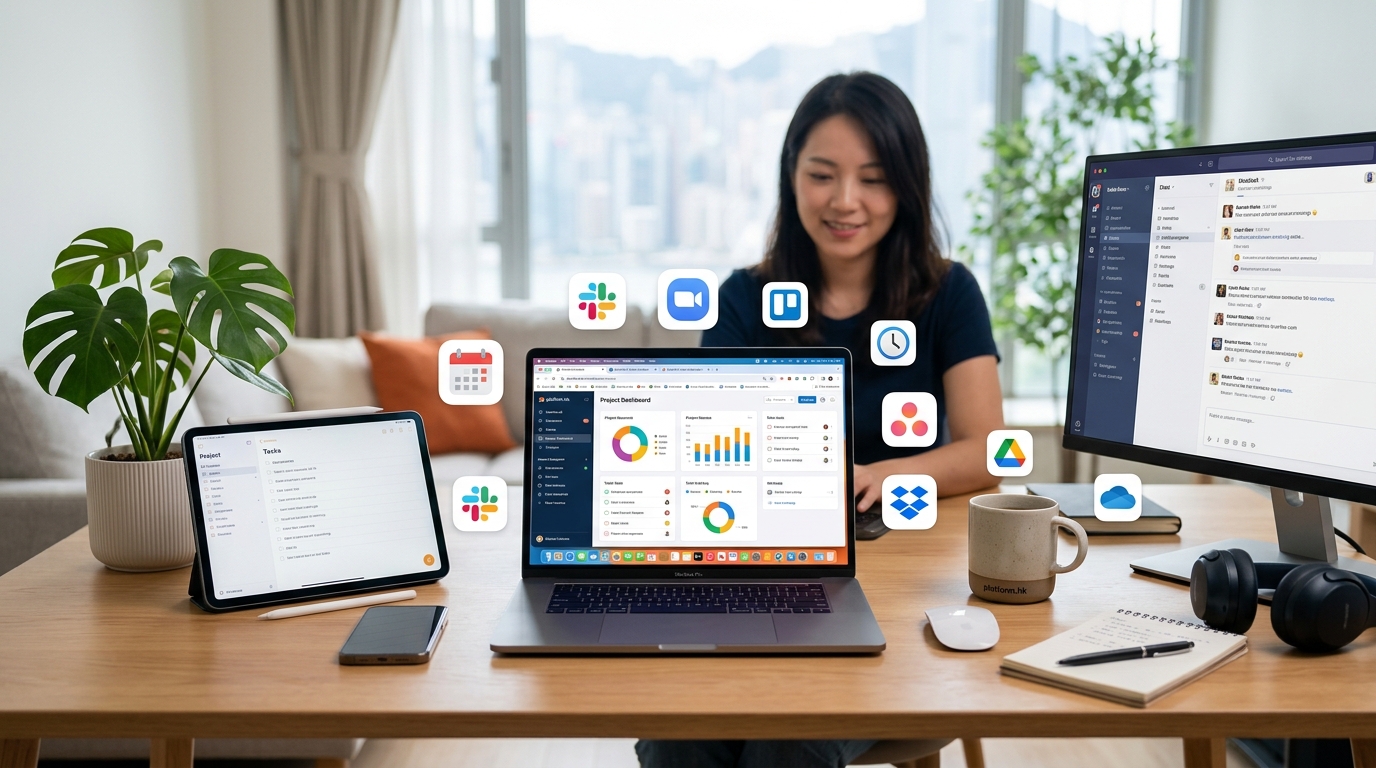
Remote work isn’t going anywhere. If anything, distributed teams are becoming the norm, not the exception. But here’s the problem: not all tools are created equal. Some promise to boost productivity but end up creating more meetings. Others claim to simplify collaboration but add three extra steps to every task. The best remote work tools 2024 has to offer do one thing really well: they get out of your way and let you work.
The best remote work tools 2024 prioritize simplicity and integration. Focus on platforms that reduce context switching, automate repetitive tasks, and support asynchronous work. Choose tools your team will actually use daily, not ones that look good in demos. Start with core categories like communication, project management, and file storage, then expand based on specific team needs and workflows.
Why Most Remote Work Tools Fail
Most software fails because it solves problems teams don’t actually have. A startup with five people doesn’t need enterprise-grade analytics. A creative agency doesn’t need the same tools as a software development team.
The tools that stick around share three traits. They’re easy to onboard. They integrate with your existing stack. They don’t require a manual to understand.
Everything else is noise.
Communication Platforms That Actually Work
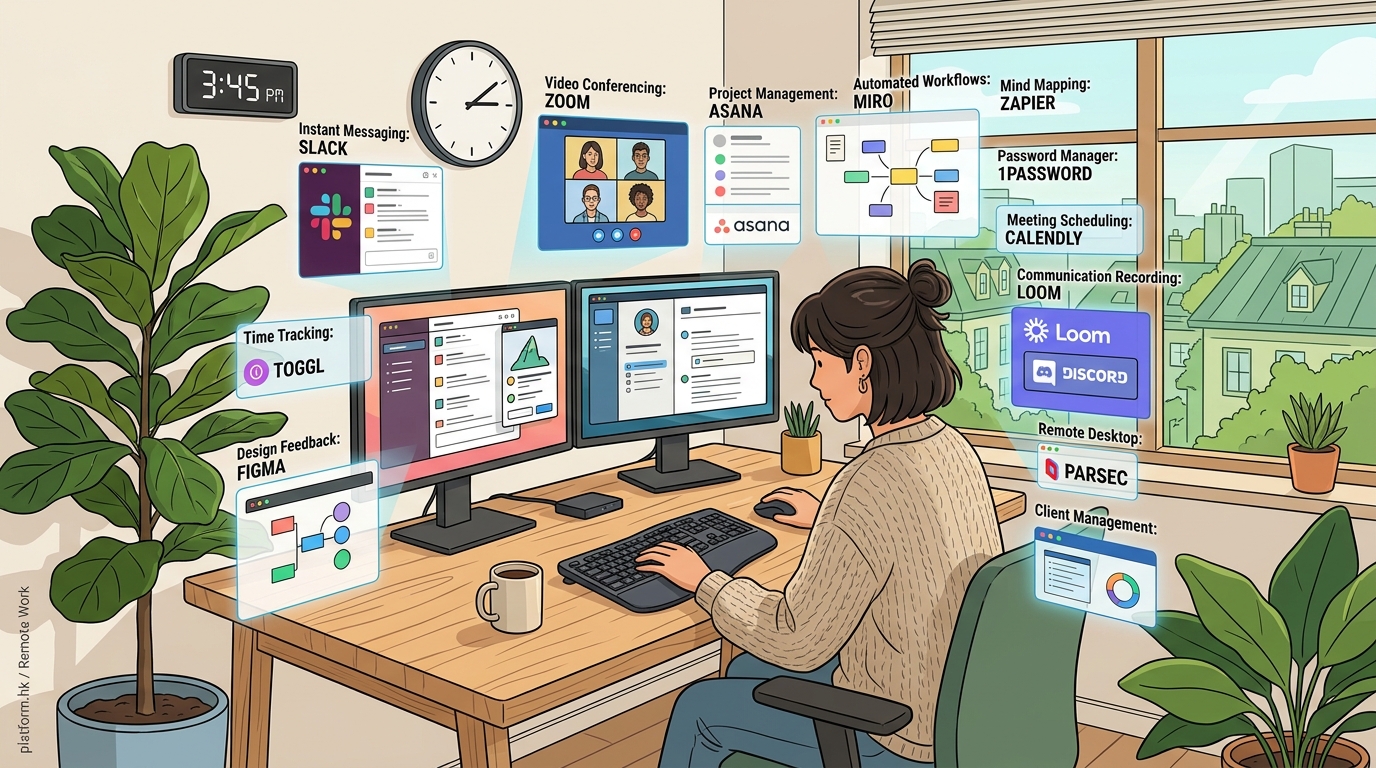
Slack remains the default choice for team chat, and for good reason. Channels keep conversations organized. Threads prevent notification overload. Integrations mean you can pull in updates from other tools without leaving the app.
But Slack isn’t the only option. Microsoft Teams works better if you’re already using Office 365. Discord has found a home with creative teams and communities. Twist focuses on asynchronous communication, which matters when your team spans six time zones.
The key is picking one and sticking with it. Tool sprawl kills productivity faster than any single bad platform.
Video Conferencing Without the Fatigue
Zoom became a household name during lockdown, but alternatives have caught up. Google Meet integrates seamlessly with Calendar and Drive. Microsoft Teams bundles video with chat and file sharing. Around uses face bubbles instead of traditional rectangles, which feels less draining for long calls.
For smaller teams, Whereby offers simple browser-based rooms with no downloads required. Loom handles asynchronous video updates, letting you record your screen and face simultaneously. This works better than live meetings for status updates or feedback.
“The best meeting is the one you don’t have to attend live. Record it, watch it at 1.5x speed, and get back to work.” — Remote team lead at a 50-person startup
Project Management Tools That Don’t Overwhelm
Asana, Trello, and Monday.com dominate this space. Each takes a different approach.
Asana uses lists and boards with powerful automation. Trello keeps things visual with kanban-style cards. Monday.com offers the most customization but requires more setup time.
Notion has become popular for teams that want an all-in-one workspace. You can build wikis, databases, and project boards in the same place. The learning curve is steeper, but the flexibility pays off.
ClickUp tries to be everything to everyone. It works, but the interface can feel cluttered. Linear appeals to software teams with its minimalist design and keyboard shortcuts.
Task Management for Individuals
Sometimes you just need a personal to-do list that syncs across devices.
Todoist handles this beautifully with natural language input and smart scheduling. Things 3 looks gorgeous on Apple devices but lacks Windows support. Microsoft To Do integrates with Outlook and offers solid collaboration features.
The best choice depends on your ecosystem. If you live in Google Workspace, Google Tasks makes sense. If you’re all-in on Apple, Things 3 feels native.
File Storage and Collaboration

Google Drive, Dropbox, and OneDrive all do the same basic job. They store files in the cloud and let teams collaborate in real time.
Google Drive wins for teams that work heavily in Docs, Sheets, and Slides. The collaboration features are unmatched. Commenting, suggesting, and version history work exactly as you’d expect.
Dropbox offers better desktop integration and faster sync speeds. The Paper feature provides a lightweight alternative to Google Docs. Dropbox Sign (formerly HelloSign) handles digital signatures without third-party tools.
OneDrive makes sense if you’re already paying for Microsoft 365. The integration with Teams and Office apps is seamless.
For design teams, Figma has replaced most file-based workflows. Everything lives in the browser. Real-time collaboration means multiple designers can work on the same file simultaneously.
Time Tracking and Productivity Monitoring
Time tracking gets controversial fast. Some teams swear by it. Others see it as micromanagement.
Toggl Track keeps things simple with one-click timers and detailed reports. Harvest adds invoicing features for client work. Clockify offers a free tier that works for small teams.
RescueTime runs in the background and shows you where your time actually goes. It’s eye-opening but can feel invasive if you’re not careful about privacy settings.
For teams, Hubstaff adds screenshots and activity monitoring. This works for some remote setups but can damage trust if implemented poorly.
The best approach? Use time tracking for billing and project estimation, not surveillance.
Password Management and Security
Remote teams need strong security practices. Password managers are non-negotiable.
1Password offers the best balance of security and usability. Shared vaults let teams access company credentials without exposing passwords. The browser extension works everywhere.
Bitwarden provides similar features with an open-source foundation. The free tier is generous. The paid version adds advanced reporting and emergency access.
LastPass used to lead this category but has faced security incidents. Many teams have migrated away.
For two-factor authentication, Authy syncs across devices better than Google Authenticator. Duo works well for larger organizations that need centralized management.
Specialized Tools Worth Considering
Some tools solve specific problems so well they’re worth mentioning separately.
Loom records screen and camera simultaneously, perfect for async updates and feedback. Calendly eliminates email tennis when scheduling meetings. Grammarly catches writing mistakes before you hit send.
Miro provides a virtual whiteboard for brainstorming and workshops. Mural offers similar features with better facilitation tools. Excalidraw keeps things simple with a hand-drawn aesthetic.
For developers, GitHub handles version control and collaboration. GitLab adds CI/CD pipelines and project management. Linear provides issue tracking that doesn’t feel like legacy software.
Choosing Tools That Fit Your Team
Here’s a framework for evaluating new tools:
| Criteria | What to Look For | Red Flags |
|---|---|---|
| Ease of Use | Works without training | Requires certification to understand |
| Integration | Connects with existing stack | Operates in isolation |
| Pricing | Scales with team size | Huge price jumps between tiers |
| Support | Responsive help when needed | Only email support with slow responses |
| Mobile Experience | Full-featured apps | Web-only or limited mobile functionality |
The best tool is the one your team actually uses. A perfect platform that sits unused is worse than a good-enough solution that’s part of daily workflow.
Building Your Remote Work Stack
Start with the essentials:
- Communication: One chat platform, one video tool
- Project Management: One source of truth for tasks and deadlines
- File Storage: One place for documents and assets
- Calendar: Shared scheduling that everyone can access
Add specialized tools only when you feel genuine pain. If scheduling meetings becomes a bottleneck, add Calendly. If async video would reduce meeting load, try Loom. If design collaboration feels clunky, test Figma.
Resist the urge to adopt tools just because other companies use them. Your team has different needs.
Common Mistakes When Adopting New Tools
Teams often make the same errors when trying new software.
They skip the trial period and commit to annual plans immediately. They don’t involve the people who will actually use the tool in the decision. They fail to migrate data from old systems, creating information silos.
The biggest mistake? Adopting too many tools at once. Change is exhausting. Roll out one new platform at a time. Give people weeks to adjust, not days.
Document your workflows in the new tool. Create templates. Record training videos. Make it easy for new team members to get up to speed.
Making Remote Work Tools Actually Save Time
Tools should reduce friction, not create it. Here’s how to make that happen:
-
Set up integrations early. Connect your chat platform to project management. Link your calendar to video conferencing. Automate status updates.
-
Create naming conventions. Standardize how you label projects, files, and channels. This sounds boring but saves hours of searching later.
-
Establish communication norms. Decide what goes in chat versus email versus project comments. Define response time expectations. Document when to use async video instead of meetings.
-
Review your stack quarterly. Tools that made sense six months ago might not fit anymore. Cancel subscriptions you’re not using. Consolidate where possible.
The goal isn’t to have the most tools. It’s to have the right ones working together smoothly.
What Actually Matters in 2024
The remote work landscape has matured. The best remote work tools 2024 offers aren’t revolutionary. They’re refined versions of platforms that have proven themselves over years of real-world use.
Focus on fundamentals. Reliable communication. Clear task management. Secure file sharing. Everything else is optional until it’s not.
Your team is unique. The stack that works for a design agency won’t work for a software company. The tools that fit a five-person startup won’t scale to fifty people.
Start small. Add intentionally. Remove ruthlessly. Your remote work stack should evolve with your team, not dictate how you work.
Building Better Remote Teams Through Better Tools
The right tools don’t guarantee success, but the wrong ones guarantee frustration. Every minute spent fighting with software is a minute not spent on actual work.
Pay attention to where your team struggles. If information gets lost, you need better documentation. If meetings multiply, you need better async communication. If deadlines slip, you need better project visibility.
The best remote work tools 2024 has to offer solve real problems without creating new ones. They fade into the background and let your team focus on what matters. They respect people’s time and attention.
Choose tools that support how your team actually works, not how some productivity guru thinks you should work. Test thoroughly before committing. Involve the people who will use them daily in the decision.
Your remote work stack should feel invisible when it’s working well. That’s the real measure of success.